
 Vitalii Holben
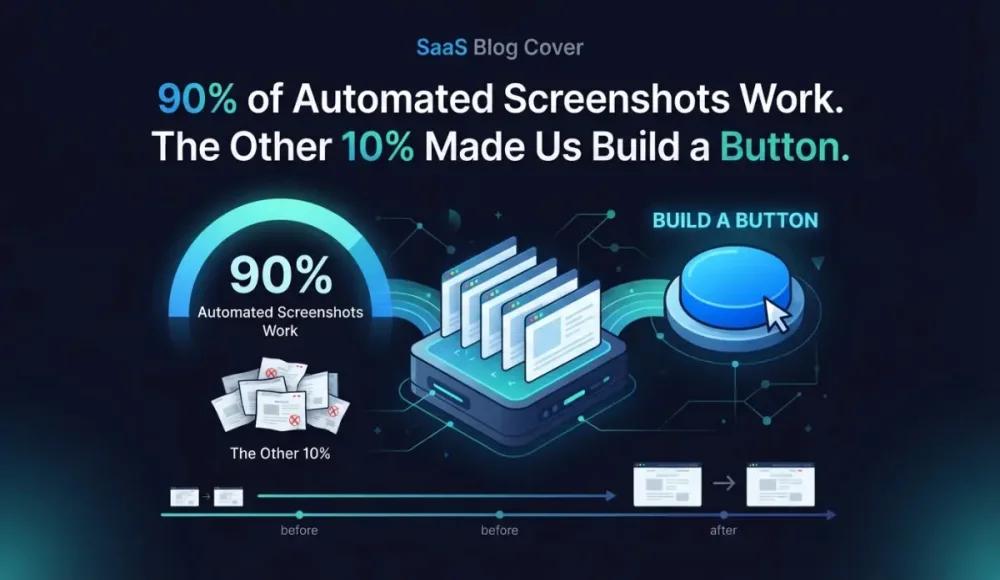
90% of Automated Screenshots Work. The Other 10% Made Us Build a Button.
90% of Automated Screenshots Work. The Other 10% Made Us Build a Button.
Roughly one in ten automated screenshots comes back wrong. Cookie consent banners plastered across the viewport. CAPTCHA challenges where your homepage should be. Half-loaded pages with grey rectangles where product images belong. Every screenshot tool on the market deals with this. Some providers document expected failure rates in their help docs, and that's just the captures they know about.
The screenshots that fail silently are worse than the ones that fail loudly. A blank page is obviously broken. A page that loaded 80% of the way? That looks fine in a thumbnail. You don't notice until three months later, when you pull it up as evidence and realize the pricing table never rendered.
We spent months improving our renderer: cookie banner dismissal, stealth mode for bot detection, longer wait times for lazy content. It helped. Brought failure rates down from roughly 10% to 3-4%. But screenshots break for reasons we can't always predict from our end, because every website is different, and the web keeps changing underneath us.
So we built a way for you to tell us when something's off.
Why Bad Screenshots Aren't Just Annoying. They're a Liability.
A screenshot with a cookie consent modal blocking half the page proves nothing. You've archived a cookie banner.
Courts care about authenticity. If you're archiving competitor pricing pages for price monitoring and the capture shows a GDPR popup instead of the actual prices, that screenshot is worthless in a dispute. Same goes for compliance archives. Regulators won't accept a half-rendered page as proof that terms were published.
For legal evidence use cases, the standard is high: timestamps, source URLs, chain of custody, and above all a capture that accurately represents what the page looked like at that moment. One broken screenshot in a collection of hundreds can cast doubt on the entire archive.
A screenshot that's wrong is worse than no screenshot at all.
What Actually Causes Screenshots to Break
Five culprits account for the vast majority of capture failures. Knowing them helps you spot problems faster.
Two of the five are access barriers that prevent the renderer from seeing the page at all. Cookie consent walls hit hardest. Headless browsers start with empty profiles, no stored cookies, no prior consent. Sites using OneTrust, CookieBot, or custom GDPR modals show the consent layer on every single capture. Our renderer auto-dismisses common patterns, but custom implementations slip through constantly. Anti-bot detection is the other gatekeeper. reCAPTCHA v3 runs silently in the background and scores every visitor. Headless Chrome gets flagged even with stealth plugins, because bot detection companies update their fingerprinting weekly, stealth plugins update in response. Neither side stays ahead for long.
Rendering failures are subtler. Lazy-loaded content is the most common: modern sites defer image and component loading until a user scrolls, and our full-page screenshot renderer simulates scrolling, but some implementations tie loading to specific interaction patterns that automated scrolling doesn't trigger. JavaScript-heavy SPAs (React, Vue, Angular) sometimes need 8-12 seconds to fully hydrate. Our default wait handles most cases. Some don't finish in time.
Geo-restricted or IP-blocked content rounds out the list. Pages that serve different content based on server location, or that block datacenter IPs entirely, create a gap between what you see and what our renderer captures. Think of it like a security camera pointed at the ceiling. It ran on schedule. It recorded something. Just not the thing you needed.
None of these are permanent. Each one has a fix: adjusted wait times, different dismiss selectors, updated stealth headers, geo-targeted capture nodes. But we need to know which URLs are affected. That's the hard part.
The Old Way: Email Ping-Pong
Before this feature, reporting a bad screenshot meant sending an email. "Hey, my screenshot of example.com looks wrong." Then we'd ask: which capture date? Can you send the URL from your dashboard? What exactly looks off? Three emails deep and we still might be looking at the wrong snapshot.
I got tired of that loop. Other tools work the same way. ChangeTower has a contact form. Stillio expects you to email their support address. VisualPing has an "Include errors" toggle buried in settings, which is a filter for their detected errors, not a way to report what you see.
Nobody lets you point at a specific screenshot and say "this one, right here, it's broken." We thought it was worth building.
Flag It From the Screenshot, Not Your Inbox
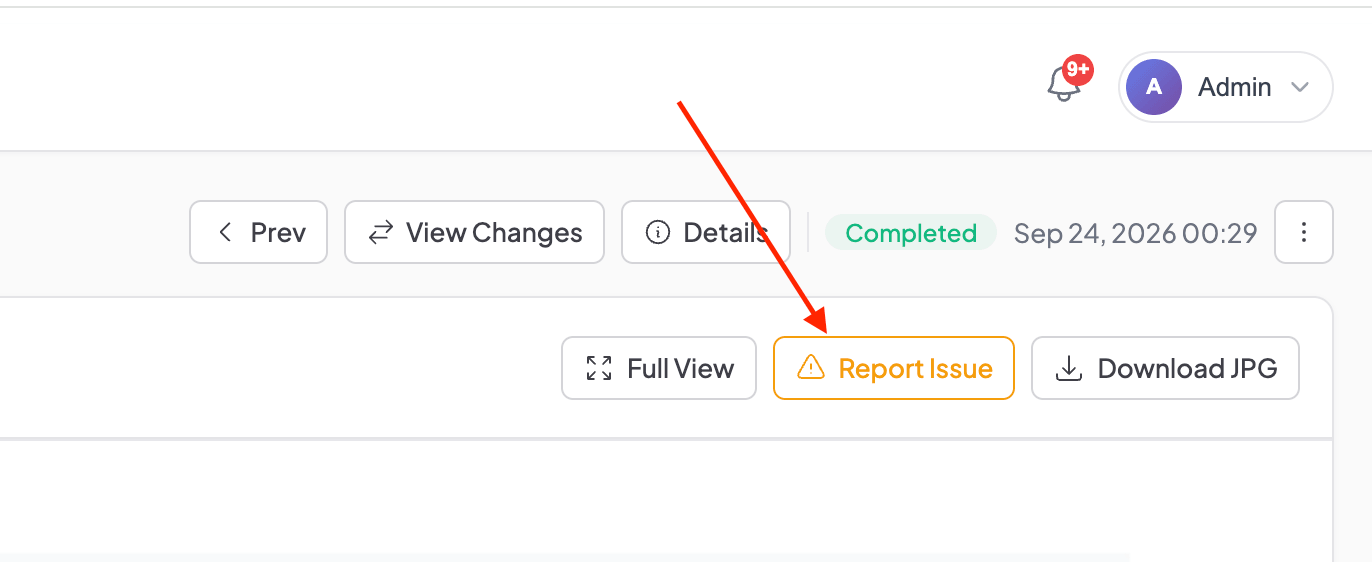
Now every snapshot detail page has an amber "Report Issue" button. Click it, and a modal opens with checkboxes for the most common problems:
- CAPTCHA or bot protection blocking the page
- Cookie consent banner visible
- Page didn't fully load
- Missing images or broken layout
- Content looks different from the actual site
- Other (opens a free-text field)
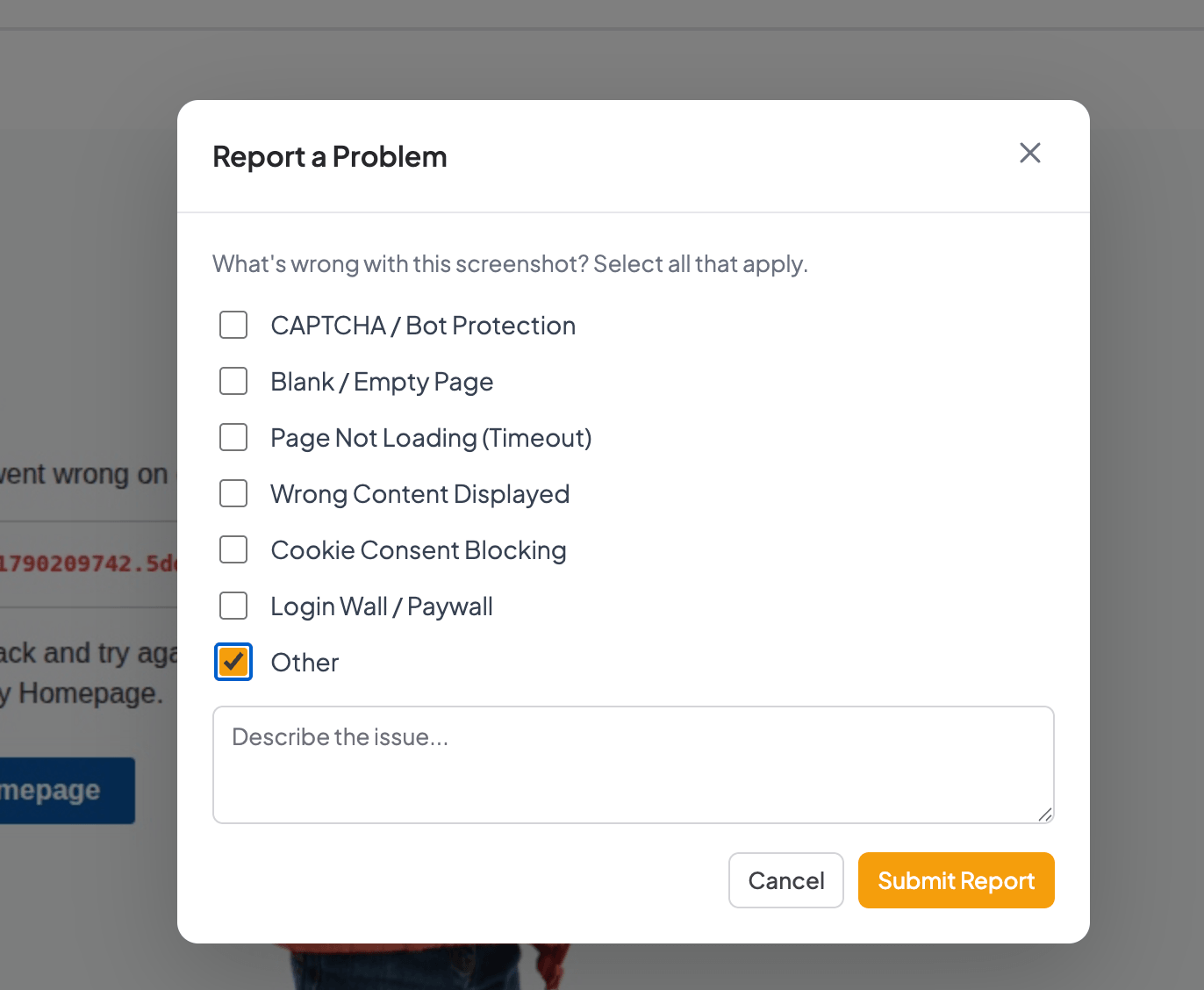
Pick one or several, add a comment if you want, hit submit. Done.
Behind the scenes, the system auto-attaches everything we need: the monitored URL, capture timestamp, snapshot ID, and a direct link to the screenshot file. No copy-pasting. No "which screenshot did you mean?" Zero back-and-forth.
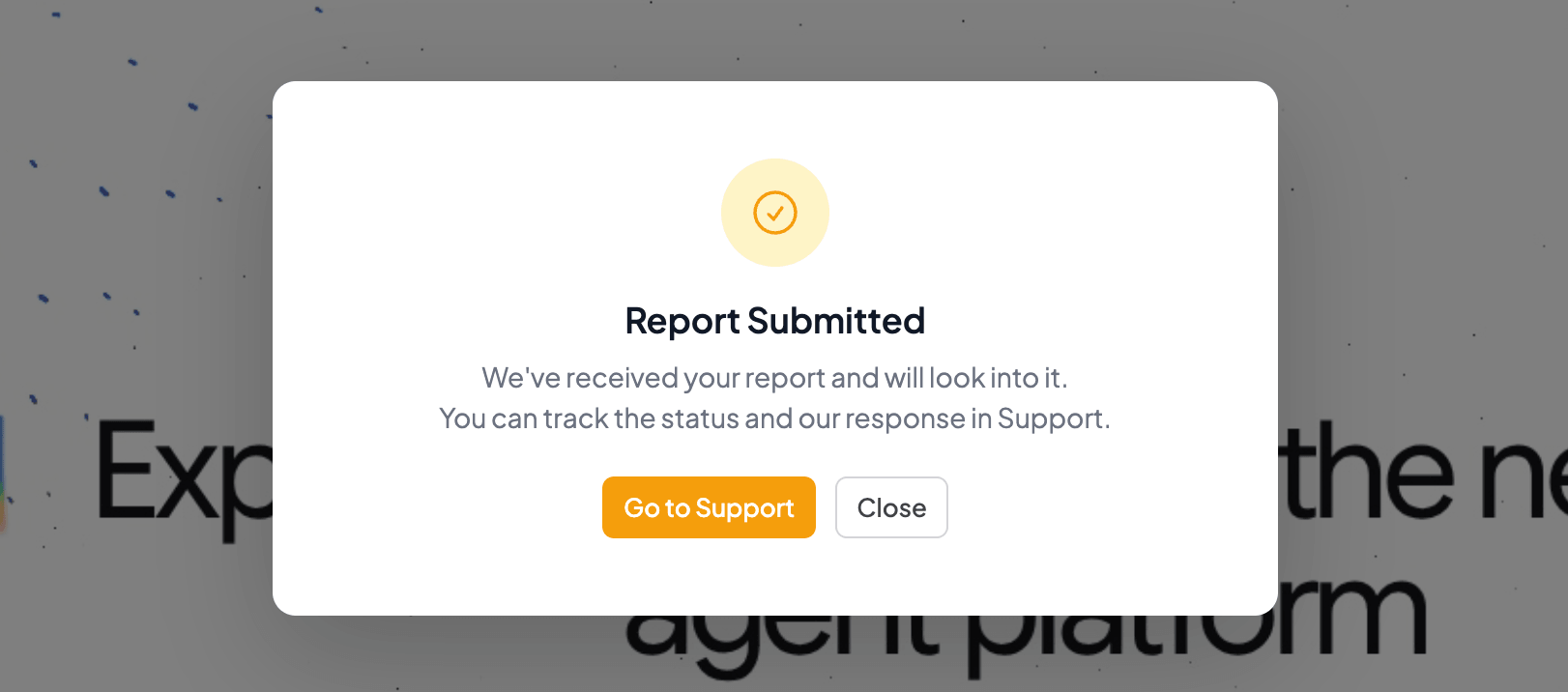
After submitting, you'll see a confirmation screen with a link to the Support page where you can track our response. We look at every report. When we fix the underlying cause (say, adding a new cookie banner selector) your next scheduled capture benefits automatically.
What Happens After You Report
Honest answer: it depends on the issue.
Adding a cookie dismiss selector for a common consent platform? We can deploy that the same day, and your next capture comes back clean. Bot detection problems are harder. We update our stealth configuration, test against the specific site, and sometimes the fix holds for weeks before the detection service catches up again. We'll tell you when we've made a change, but we can't promise permanent fixes for sites that actively fight automation.
Geo-restriction issues might not be fixable at all from our current infrastructure. If a site blocks US-based IPs and our renderer runs in the US, there's no magic workaround. Not yet. Geo-targeted capture is on our roadmap for Business plan customers, but it's not something we can fake in the meantime. We'd rather be upfront about that than pretend we can fix everything.
What we can guarantee: every report gets read, and it feeds directly into how we improve the renderer. Your reports from last month are why our change detection accuracy went up. Fewer false positives from broken captures means more reliable diffs when you compare screenshots over time.
Available on Every Plan, Including Free
Report Issue is available on all plans, from Free through Business ($129/mo). We want every user to have clean, usable screenshots, regardless of what they pay. Investigating reports takes engineering time, so this might move to paid plans eventually. For now, it's open to everyone.
Three monitored URLs are free. If you're not tracking anything yet, that's a good place to start. The button is already on every snapshot detail page. Spotted a capture that didn't come back right? Now you can do something about it without leaving the dashboard.
Start archiving websites today
Free plan includes 3 websites with daily captures. No credit card required.
Create free account
We Ran Hetzner Through the Wayback Machine and Our Own Tool
We tested both tools on the same site for a week. The capture frequency, cookie handling, and comparison features told us more than any feature table could.
E-commerce price monitoring with screenshots: what we actually found
We set up screenshot-based price monitoring on Amazon across several product categories. Instead of clean price data, we got error pages, layout shifts, and a visual diff that catches things text scrapers miss entirely. Here's the full breakdown with real data.
False Positives in Screenshot Monitoring: What Causes Them and What to Do
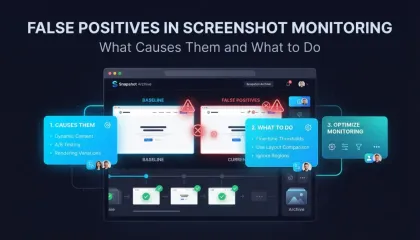
We got 14 alerts in one day from a single website. The problem was a live counter and a logo carousel triggering visual diff on every capture. Here is how we fixed it with threshold tuning and hide selectors.