
ChangeTower alternative with a real archive
ChangeTower calls itself a monitoring and digital archiving platform. The monitoring side is strong. Text tracking, keyword alerts, HTML code diffs, domain scanning. The archiving part comes with a catch: on self-serve plans, your history expires in 3 to 12 months, and full-page archiving requires an Enterprise contract.
If you need the archive to outlast the alert, that gap matters. Snapshot Archive stores every capture for up to three years on a plan you can buy in two minutes. Pixel-level visual diff and SHA-256 hashed PDF exports come included on every tier.
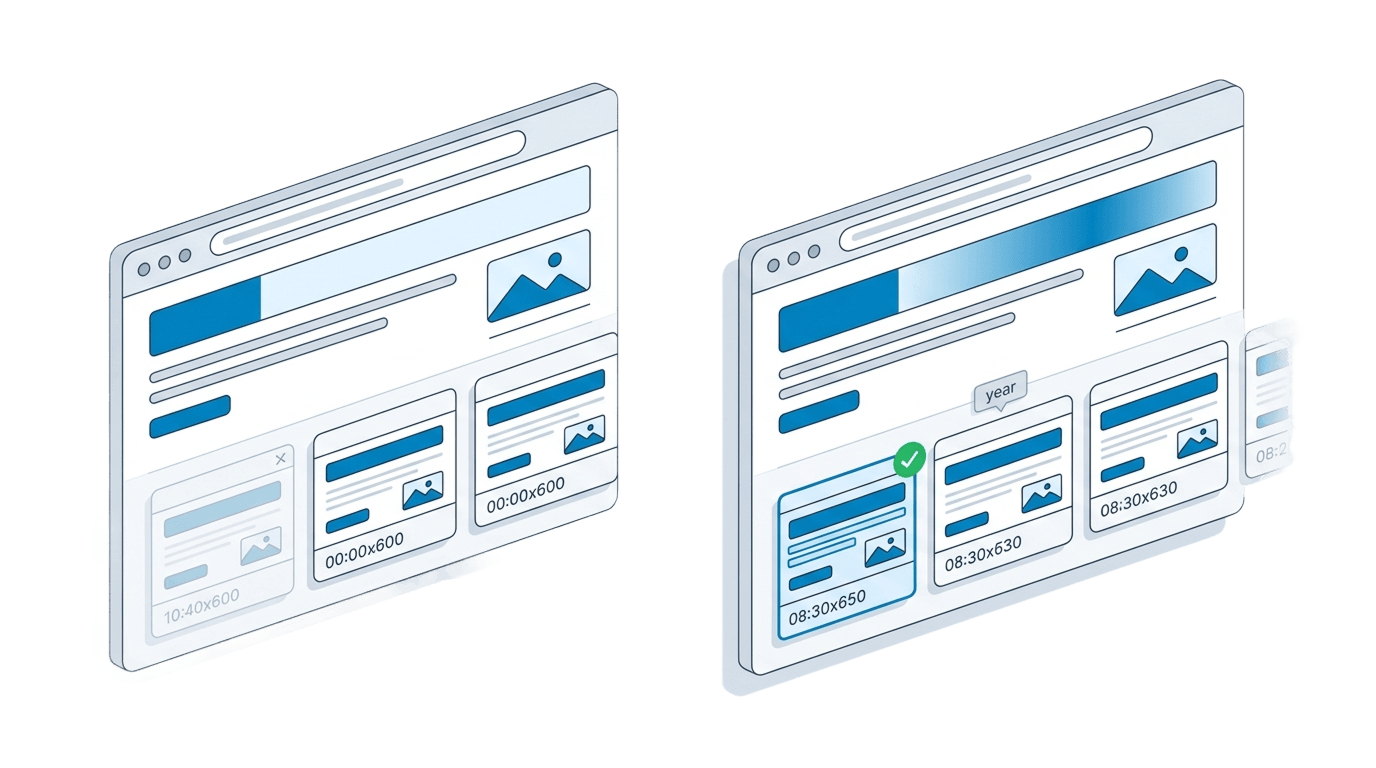
What ChangeTower does well
ChangeTower watches more than how a page looks. It tracks text edits, keyword appearances, and HTML source changes alongside visual screenshots: three monitoring modes running simultaneously. That breadth is genuine, and for teams whose work is "alert me when this paragraph changes" or "flag me if this script tag disappears," it covers ground we don't. We compare rendered pixels. A wording tweak that doesn't move anything visually, or a code change behind the scenes, won't show up in our captures.
The domain scanner auto-discovers new URLs across a site and sets up monitors automatically, which saves real setup time when you need coverage of an entire property. SPA simulation handles single-page apps and multi-step forms. Notification channels include email and webhooks. And team workspaces with role-based permissions and tagging make it practical for groups managing hundreds of monitors across clients.
Where ChangeTower falls short on website archiving
"Digital archiving" is in ChangeTower's tagline. Look at the pricing table and the picture changes. The Lite plan (starting at $12/month) caps archive retention at 3 months by default, extendable to 12 months at additional cost. Full-page archiving, the kind where you keep a complete visual record of the entire page, sits behind Enterprise pricing starting at $299/month with a custom contract.
Most paying customers end up building a history that quietly deletes itself. A page you monitored in February is gone by June on the standard plan. For competitive curiosity, that might not matter. For anything you would need to reference a year later (a contract term, a regulator's notice, evidence of what a competitor claimed) a rolling buffer is not an archive.
A second wall sits behind the first. Even if you would pay for real archiving, getting it means a demo, a quote, and a sales cycle. For a small team that just wants its records to persist, that is a lot of friction around something we treat as the default. Our scheduled screenshots build a browsable archive from day one, on every plan including free.
ChangeTower vs Snapshot Archive: feature comparison
| Feature | ChangeTower | Snapshot Archive |
|---|---|---|
| Monitoring types | Visual + text + HTML code | Visual (pixel-level) |
| Visual diff | Basic change highlighting | Pixel-level visual diff with tunable threshold |
| Full-page screenshots | Enterprise only | Yes: all plans |
| Archive retention | 3–12 months self-serve. Up to 12 years Enterprise | 30 days free → 3 years Business |
| PDF export with SHA-256 hash | No | Yes, certified PDF |
| Timestamp watermark | No | Yes. burned into image |
| On-demand captures | No | Yes |
| Domain scanner | Yes | No |
| Text/keyword monitoring | Yes | No |
| Uptime monitoring | Yes | No |
| SPA / user action simulation | Yes | No |
| REST API | Not prominently featured | Full CRUD: Pro+ |
| Alerts | Email, webhooks | Email, Slack, Discord, Telegram |
| Free plan | 3 URLs, 6 daily checks | 3 URLs, daily captures, 30-day retention |
Four rows favor ChangeTower outright: text/keyword monitoring, domain scanning, uptime checks, and SPA simulation. Those are capabilities we chose not to build. The rows that favor us are about what happens after the capture is taken, how long it lasts, whether it holds up as evidence, and whether you can retrieve it without a sales call.
Website archiving as legal evidence
ChangeTower lets you export notification content and screenshot data, which is useful for a report. That is not the same as a record you could defend under scrutiny. Each Snapshot Archive capture exports as a PDF certificate carrying a SHA-256 hash of the image, a UTC timestamp, the URL, and HTTP status. Anyone can recompute the hash and confirm the capture was not altered after the fact. A timestamp watermark burned into the image adds a second layer of visible proof.
For compliance archiving or legal evidence, handing a colleague a screenshot is one thing. Handing a regulator a dated, hashed certificate they can verify independently is another. We have talked to users who learned the difference the hard way. They needed a capture from eight months ago and it had already aged out of ChangeTower's retention window.
ChangeTower vs Snapshot Archive pricing
| Plan tier | ChangeTower | Snapshot Archive |
|---|---|---|
| Free | 3 URLs, 6 daily checks, 1-month archive | 3 URLs, daily captures, 30-day retention |
| Entry paid | From $12/mo (Lite): 30-day archive | $19/mo, 20 URLs, 180-day retention |
| Mid-tier | Essential/Business tiers. Up to 12-month archive | $39/mo: 50 URLs, 1-year retention |
| Enterprise | From $299/mo, up to 12 years, custom contract | $149/mo. 200 URLs, 3-year retention |
At entry level the prices look close : $12 vs $19. But ChangeTower charges by check volume, and costs scale with frequency. Monitor 50 pages every hour and you burn through checks fast, while our pricing stays flat per URL regardless of how often you capture. The bigger gap is retention: our $39 Pro plan already holds a full year of history. for most use cases, that is the minimum that makes website archiving useful. Getting comparable retention from ChangeTower means either paying for extensions or moving to Enterprise at $299/month.
Full breakdown on our pricing page.
When ChangeTower is the better choice
If your work depends on text-level and keyword monitoring, HTML code change tracking, or uptime checks (and you do not need captures to survive beyond a few months) ChangeTower covers that workflow well. The domain scanner and SPA simulation are differentiators we do not match. For teams that live in content changes rather than visual proof, it is the sharper tool.
We have written similar breakdowns for Visualping and Stillio, plus a direct Visualping vs ChangeTower comparison, if you are comparing across the category.
Snapshot Archive gives you change alerts plus a permanent, certified archive with full-page screenshots. 3 URLs free, no credit card.Frequently Asked Questions
No. We diff the rendered page visually, so a change shows up when it visibly alters the page. ChangeTower's content, keyword, and HTML monitoring can catch a wording or code change with no visual effect, which ours won't. If text-level monitoring is central to your work, that's a real reason to keep ChangeTower in the mix.
It's the main reason to choose between them. ChangeTower keeps 30 days to six months of history on its self-serve plans, with full-page archiving reserved for Enterprise. We keep up to three years on a $129 self-serve plan, with every capture browsable. If you only need recent history, the gap won't bite. If you need the record to last, it's decisive.
ChangeTower supports password-protected pages across its plans. On our side, custom headers and HTTP authentication are available from Pro up, so gated pages are reachable, though if login monitoring is your primary need ChangeTower offers it earlier in its lineup.
Not as a dedicated feature. ChangeTower includes uptime checks; we focus on capturing and comparing how pages look, not pinging them for availability. For visual evidence that a page broke or went down, our captures show it, but that's different from a true uptime monitor.
For legal or compliance purposes, the hash matters. Our PDF certificate carries a SHA-256 hash and a timestamp and states it was machine-generated, so its integrity is checkable. ChangeTower's content export is fine for internal reporting but isn't built as tamper-evident proof.
By plan: daily on Free, daily on Starter, every six hours on Pro, every three hours on Growth, and every hour on Business. ChangeTower's self-serve frequency runs daily to hourly, so we match their top speed on the Business plan.
If you're weighing several at once, it sits near Visualping and Stillio in the same monitoring-and-archiving space. We've written up where we land against each on our Visualping alternative and Stillio alternative pages, and against the free public option on our Wayback Machine alternative. The short version: the more your need leans toward keeping a durable, provable record, the more it points our way.
Yes. Snapshots export as images, PDF certificates, and an HTML bundle, so you can download what you need before changing plans. With a tool whose history expires on a timer, there's often nothing left to take once the window passes.
We capture the page after it renders, so content that loads in shows up as it appeared. ChangeTower lists lazy-loaded support from its Essential tier and is purpose-built for content-level monitoring of dynamic pages. For a visual record of how a dynamic page actually looked at a moment in time, a screenshot is usually what you want.
Email on every plan, with Slack, Discord, and Telegram from Starter, and signed webhooks from Pro. Each change email includes a preview of the diff with the changed areas highlighted, covered on the change alerts page.