
The Stillio alternative for teams that also need to know what changed
Stillio is a solid screenshot archiving tool. It's been around for years, the support team is genuinely helpful, and it does exactly what it promises: capture websites on a schedule and store them in the cloud.
But archiving is only half the job. If you need to know what changed on a page (not just that a screenshot was taken) Stillio doesn't have an answer for that. No visual diff. No change alerts. No pixel-level comparison.
Snapshot Archive does all of that, and starts at $19/mo for 20 sites instead of $29/mo for 5. There's a free plan too, no trial countdown, no credit card.
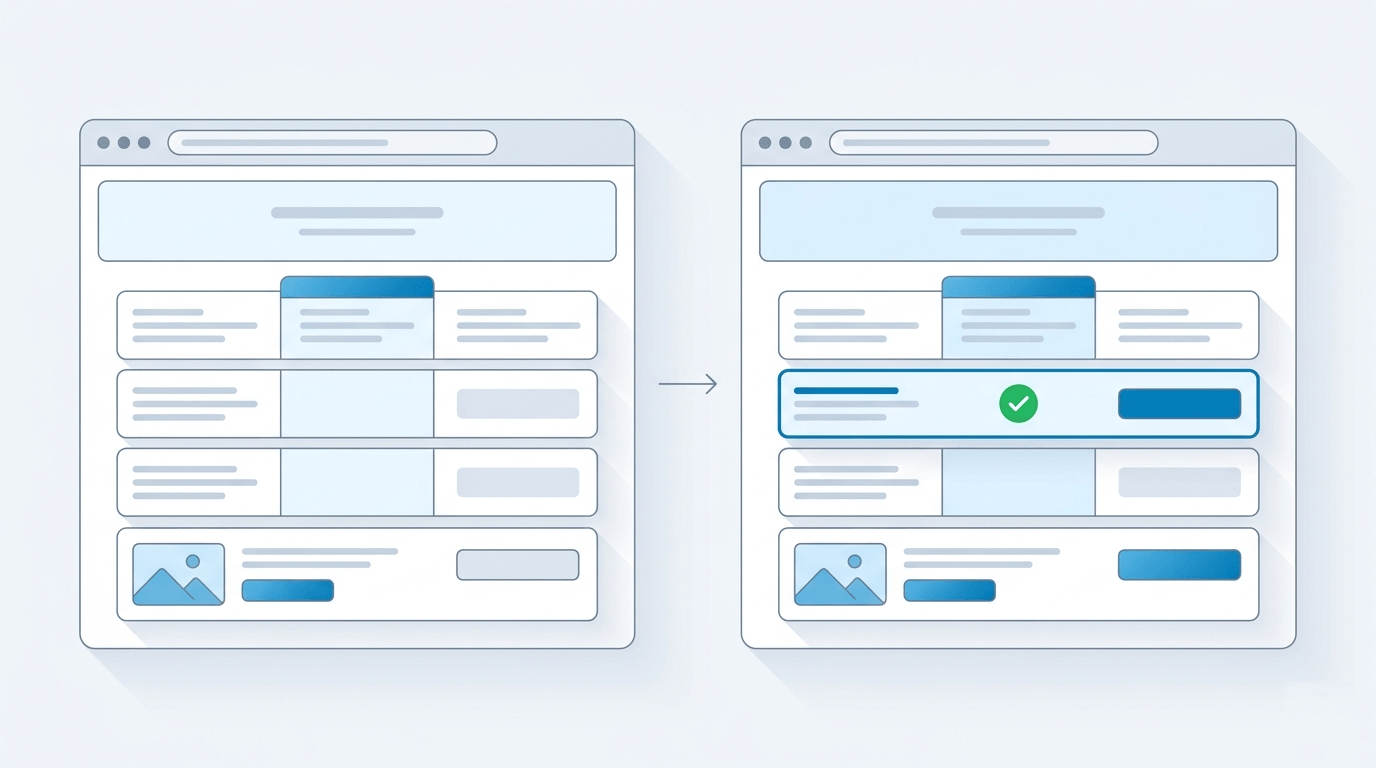
What Stillio gets right
Stillio's chat team is fast, thorough, and clearly knows the product inside out. That matters when you're archiving pages for legal or compliance reasons and something goes wrong at 2 PM on a Tuesday.
Then there's geo-IP capture: take a screenshot as it appears to someone in Germany, Japan, or Brazil. This is a feature we don't offer at Snapshot Archive. If geo-targeted screenshots are critical to your workflow, say you're monitoring localized pricing or region-specific ad copy, Stillio has a real edge here.
A few more things worth calling out: you can point Stillio at a sitemap.xml and archive every URL it finds, which saves real time when you need to capture an entire site. It syncs captures to Google Drive, Dropbox, OneDrive, and S3, and integrates with Zapier and Make. Click-before-capture and element hiding let you dismiss cookie banners and popups before the screenshot fires. And all plans come with 36-month retention, generous enough that you don't have to think about storage tiers until you hit the three-year mark.
Where Stillio falls short
If you're comparing Stillio alternatives in 2026, chances are you've already hit one of these walls.
No visual diff or change detection. A competitor changes their pricing, a regulated page drops a disclosure, your client's homepage shifts layout overnight. You won't know unless you open two screenshots side by side and spot it yourself. No highlighted overlay, no percentage-changed score. Snapshot Archive runs a pixel-level visual diff on every capture, on every plan, including the free one. The changed region lights up. You see it in seconds, not after fifteen minutes of squinting.
Notifications, but not alerts. Last Tuesday a competitor cut prices 20%. Stillio's email said "capture complete." That's all you'd get. Snapshot Archive's change alerts fire only when something on the page actually changed. Set a sensitivity threshold, pick your channel (email, Slack, Discord, Telegram), and hear about it the morning it happens. On Pro plans and above, webhooks let you trigger downstream automations.
You can't create monitors, trigger captures, or manage anything programmatically through Stillio's API. It's read-only. Snapshot Archive's REST API on Pro and Business plans is full CRUD: create, read, update, delete. If you're building archiving into an internal tool or automating captures from CI/CD, that's the difference between possible and not.
And for anything that might end up in court or in front of a regulator, Stillio gives you image files. Snapshot Archive gives you PDF exports with a SHA-256 hash and an optional timestamp watermark burned into the image: two layers of tamper-evident proof useful for legal evidence and compliance archiving.
Stillio vs Snapshot Archive: feature by feature
We've included features where Stillio wins (geo-IP capture, sitemap archiving, cloud sync) because you should see the full picture before deciding.
| Feature | Stillio | Snapshot Archive |
|---|---|---|
| Scheduled screenshots | Yes | Yes |
| Full-page screenshots | Yes | Yes |
| Visual diff (pixel comparison) | No | Yes: all plans |
| Change detection alerts | No, capture confirmation only | Yes. Email, Slack, Discord, Telegram |
| REST API | Read-only | Full CRUD (Pro+) |
| On-demand instant capture | No | Yes |
| PDF export with SHA-256 hash | No | Yes |
| Timestamp watermark | No | Yes |
| Geo-IP capture | Yes: 30+ countries | No |
| Sitemap archiving | Yes | Yes |
| Click-before-capture | Yes | Yes |
| Cloud sync (Drive, Dropbox, S3) | Yes | No |
| Free plan | No, 14-day trial only | Yes. 3 URLs, daily, forever |
The split happens at what you can do after the screenshot is taken. Snapshot Archive treats the capture as the starting point: diffing it, alerting on it, certifying it. Stillio treats it as the end product. Where Stillio pulls ahead is in capture flexibility: geo-targeting, sitemap crawling, pre-capture interactions, and cloud storage integrations. If those matter more to your workflow than change detection, that's a legitimate reason to stay.
Stillio pricing vs Snapshot Archive
Pricing is where the differences get concrete.
| Plan tier | Stillio | Snapshot Archive |
|---|---|---|
| Free | None (14-day trial) | Free forever, 3 URLs, daily, 30-day retention |
| Entry paid | $29/mo. 5 URLs | $19/mo: 20 URLs, 180-day retention |
| Mid-tier | $79/mo, 25 URLs | $39/mo. 50 URLs, 1-year retention |
| High-tier | $199/mo: 100 URLs | $149/mo, 3-year retention |
| Top tier | $299/mo. Unlimited | — |
At entry level, Stillio costs $5.80 per monitored URL. Snapshot Archive costs $0.70. That's more than 8× the price per site, and Snapshot Archive includes visual diff, change alerts, and on-demand captures at that tier.
One area where Stillio wins on value: every plan includes 36 months of retention. Snapshot Archive's retention scales with tier: 30 days on free, 180 days on Starter, a year on Pro, and three years on the $149/mo Business plan. If long retention at a mid-range price matters, factor that in. Full breakdown on our pricing page.
When Stillio is still the right choice
If geo-targeting is most of why you archive, or you need sitemap-based bulk capture and automatic sync to Google Drive or S3, and you don't need change detection, Stillio covers that workflow well. For a broader look at how Stillio compares to other monitoring tools, see our Stillio vs Visualping comparison.
The free plan covers 3 URLs with daily captures, visual diff, and change alerts. No credit card, no time limit.Frequently Asked Questions
For scheduled archiving, yes — you'll get the same recurring captures. The difference is additive: you also get visual diff, change alerts, and an API on top. The one thing you'd give up is Stillio's Geo-IP capture, so if capturing from a specific country is core to your work, check that first.
Stillio is built around scheduled capture and archiving. It can notify you that captures ran, but it doesn't do pixel-level visual diff or diff-driven change alerts, which is the main reason teams who need monitoring look elsewhere.
No. If you need to trigger captures programmatically or pull results into another system, that's a point in favor of a tool that exposes a REST API.
Yes. The free plan covers 3 URLs with daily captures and no credit card, which is enough to test whether automated monitoring earns its place in your workflow before you spend anything. Stillio offers a 14-day trial but no permanent free tier.
Your existing screenshots stay wherever you've stored or synced them. They won't import as a visual-diff baseline, though, since the diff timeline starts from your first capture with us. In practice you're switching to monitor changes from now on, so a fresh baseline is usually what you want anyway.
At the bottom, we are. There's a free plan, and our first paid tier is $14/month for 20 sites versus Stillio's $29/month for 5. If you need the API, compare our Pro plan at $39 against Stillio's higher tiers, where an API isn't available at all. The only case where Stillio is the better spend is if you specifically need its Geo-IP capture and nothing we add.
Honestly, maybe not. If your only need is "store what this page looked like" and you like Stillio's support and Geo-IP capture, there's no urgent reason to move. This page is for the people who've outgrown plain archiving and want to know when things change.