
AUTOMATE WEBSITE ARCHIVING
AND BUILD A VISUAL HISTORY
Scheduled screenshots, full-page captures, and visual change detection.
Easy to set up. Fully automated. Reliable.
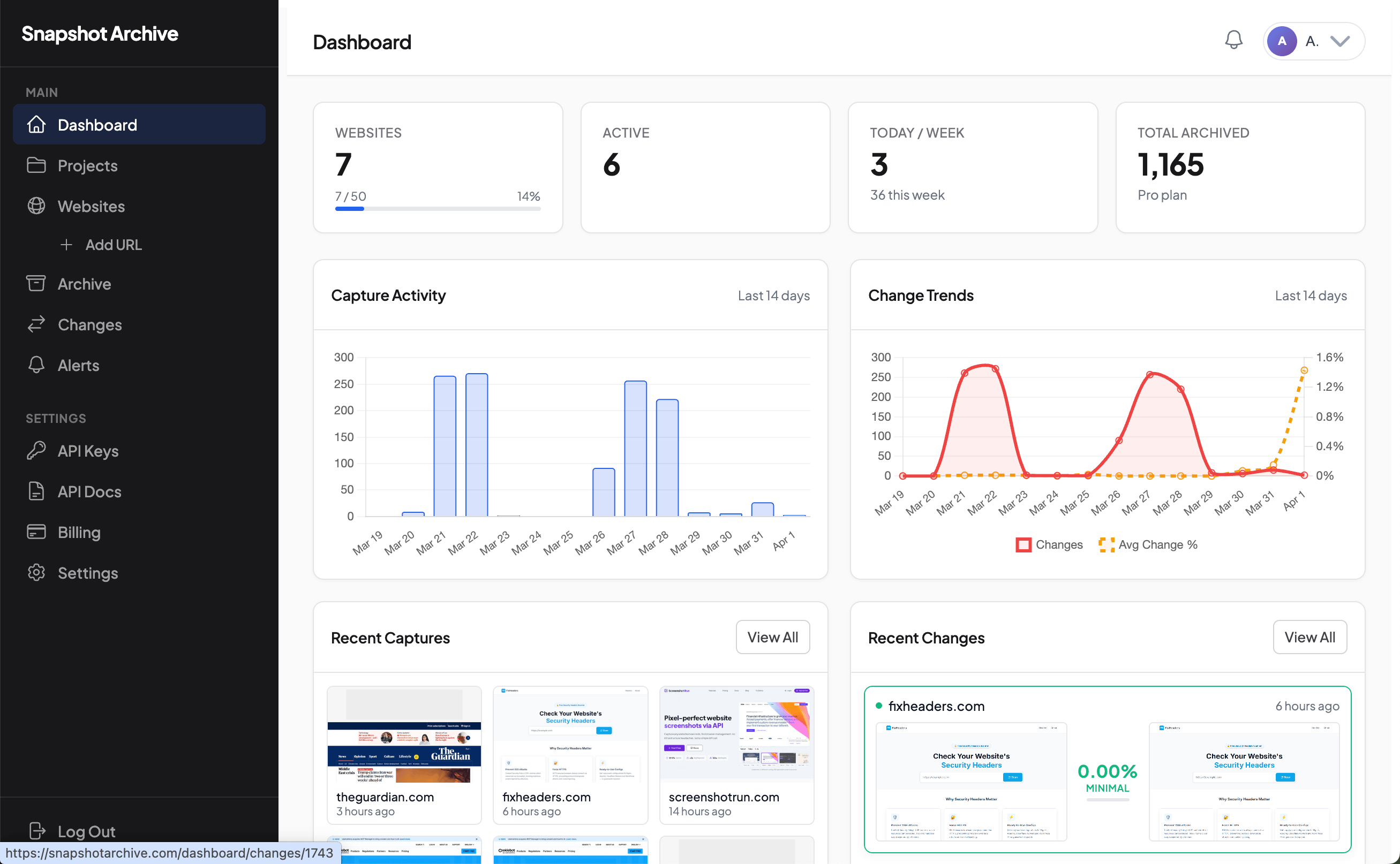
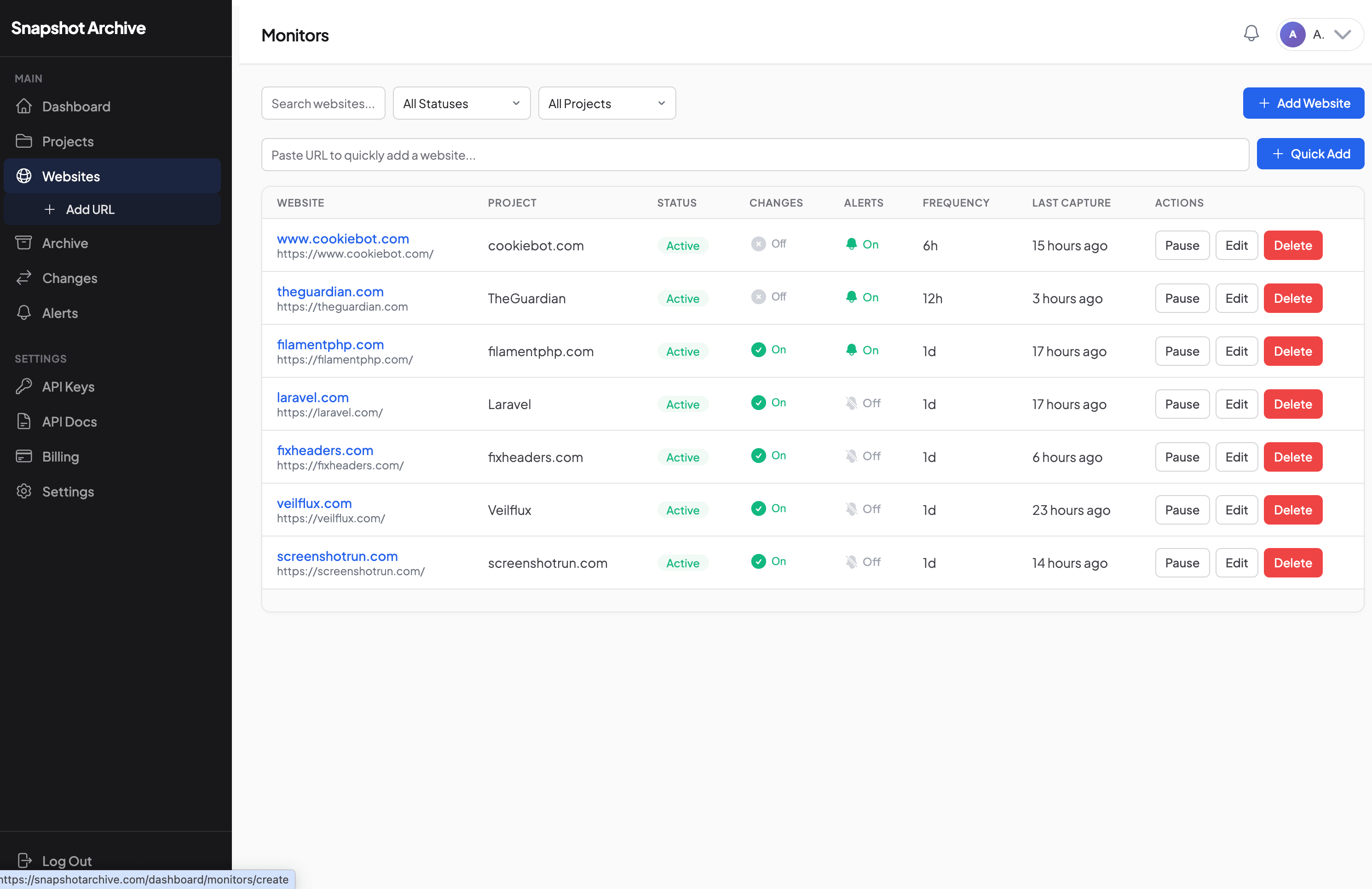
Everything you need to archive websites
Powerful tools to capture, store, compare, and download website screenshots — fully automated.
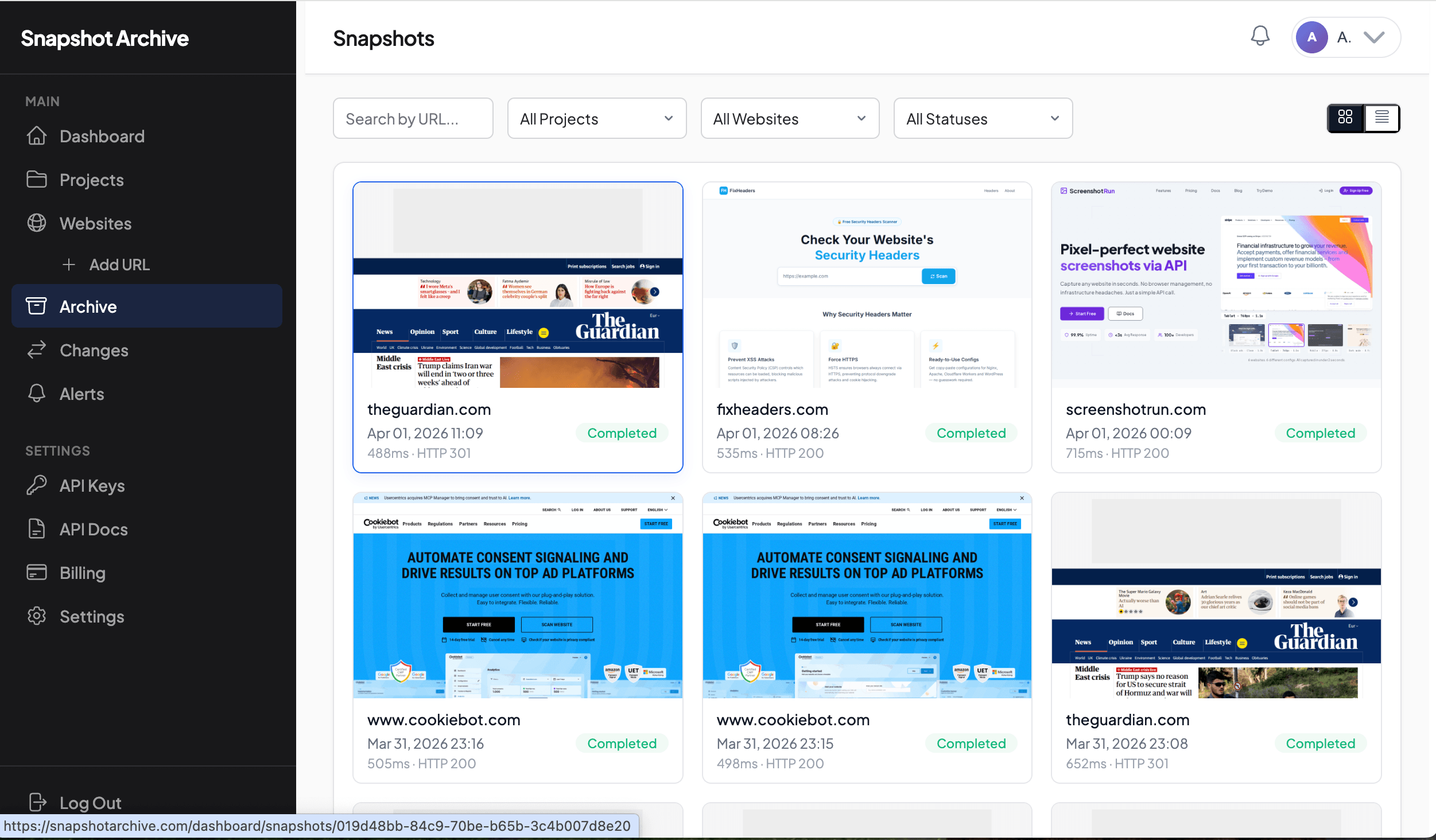
Screenshots on your schedule
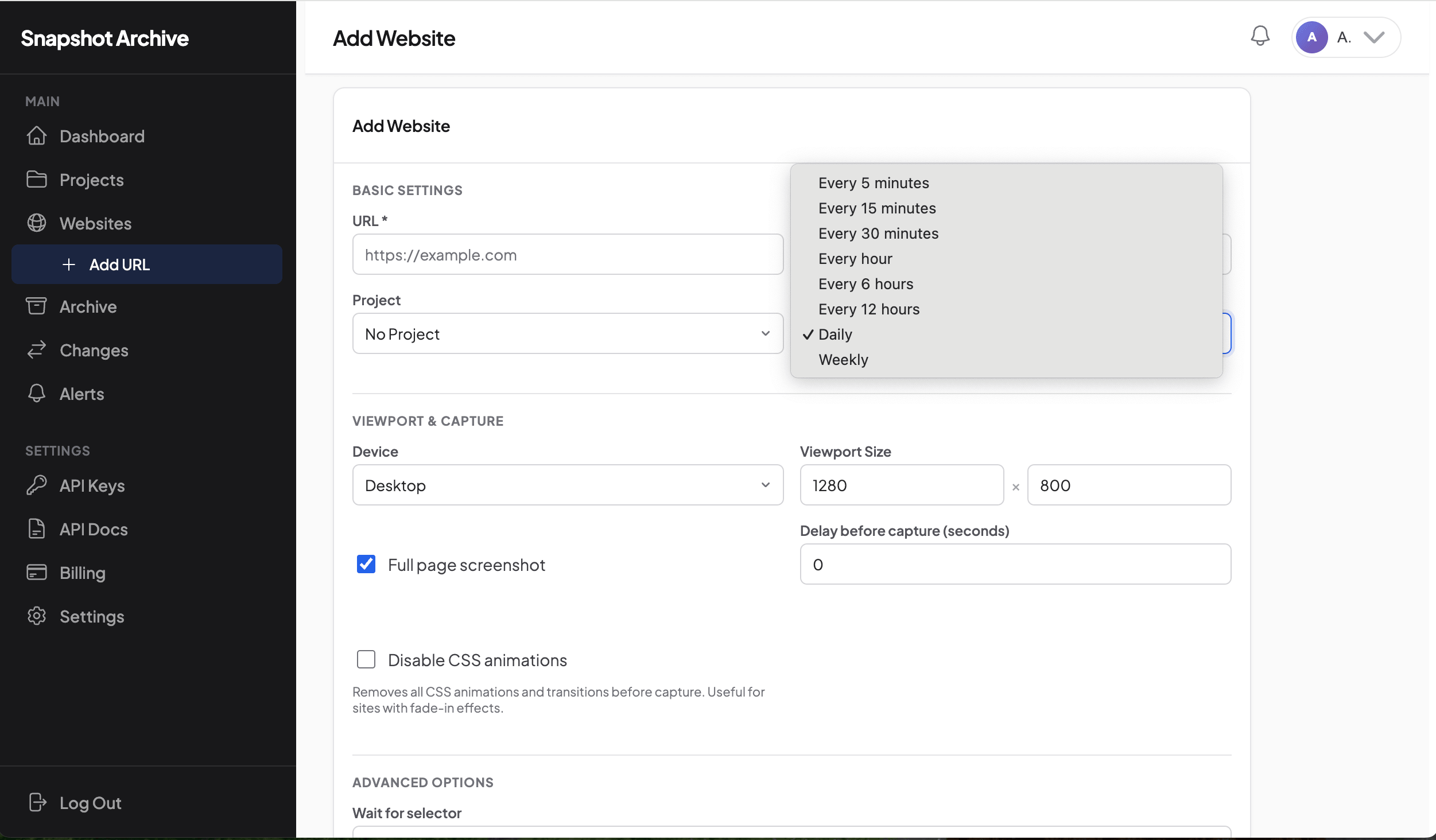
Set any URL and pick your frequency — hourly, every 3 hours, daily, or weekly. Full-page or viewport, desktop or mobile — you control the exact capture settings.
- Full-page & viewport modes
- Custom device emulation
- Scroll-to-element & wait for selector
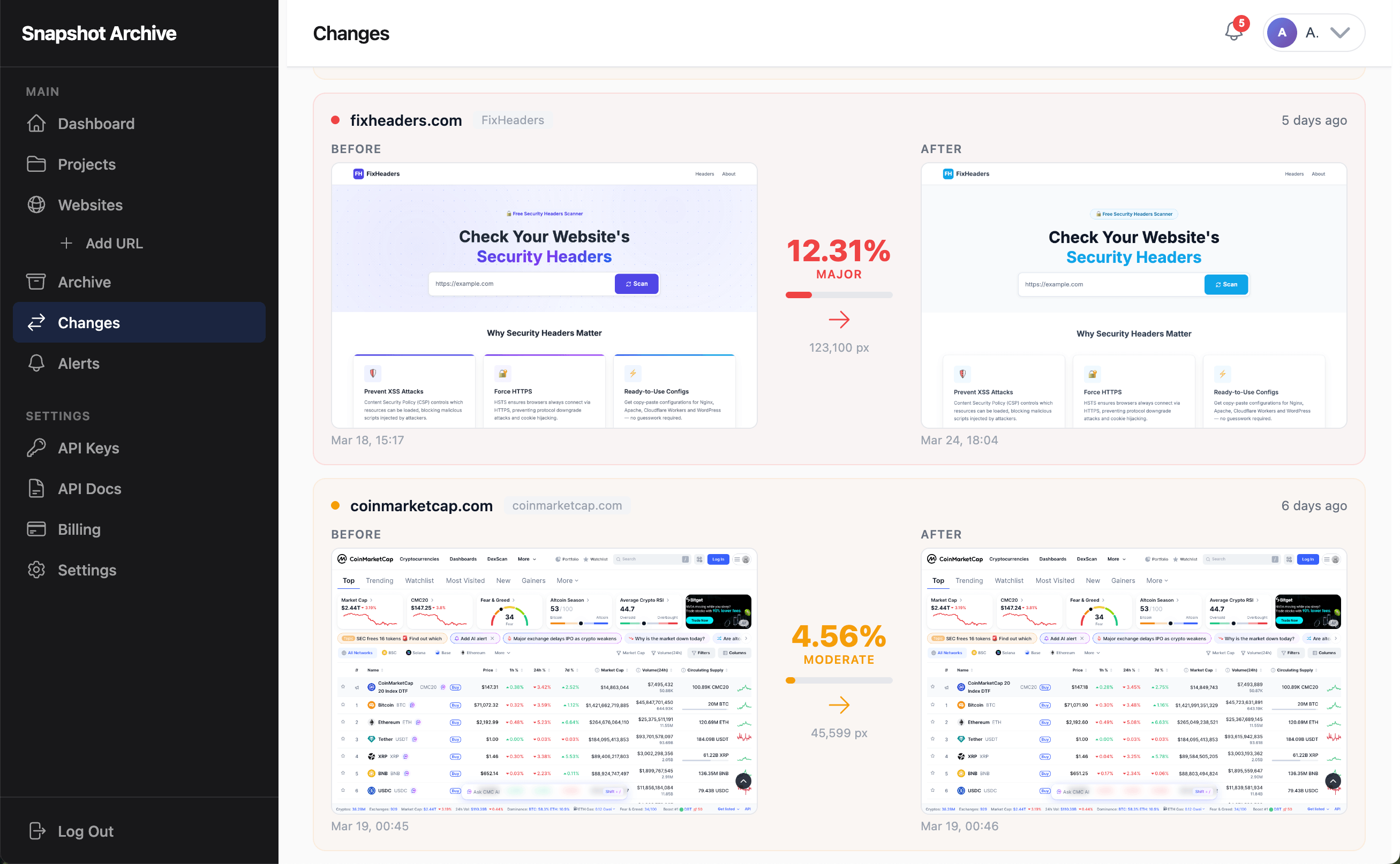
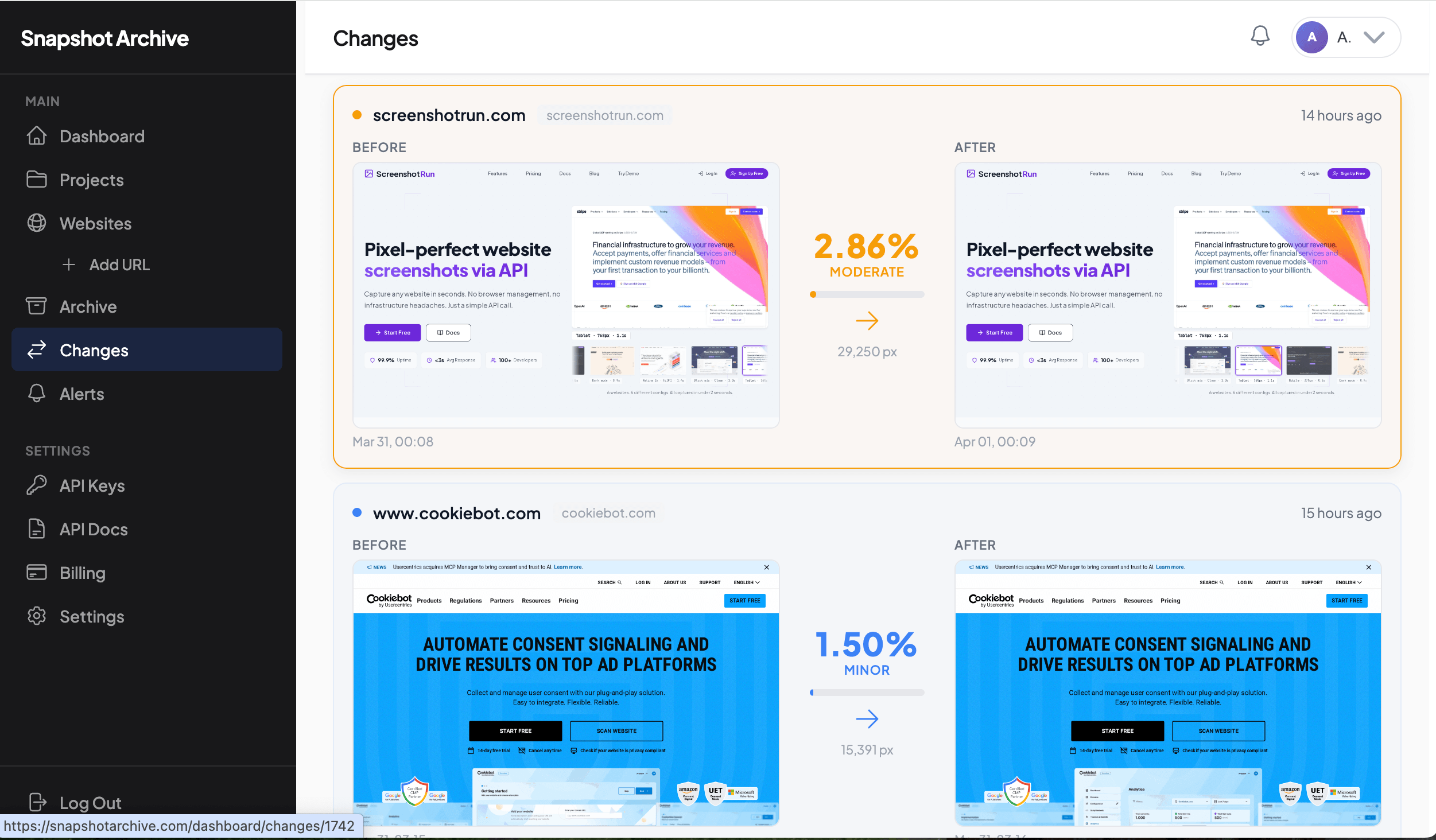
Pixel-perfect change detection
Every new capture is automatically compared to the previous one. Changed pixels are highlighted so you see exactly what moved, appeared, or disappeared.
- Pixel-by-pixel diff engine
- Change percentage threshold
- Side-by-side or overlay comparison
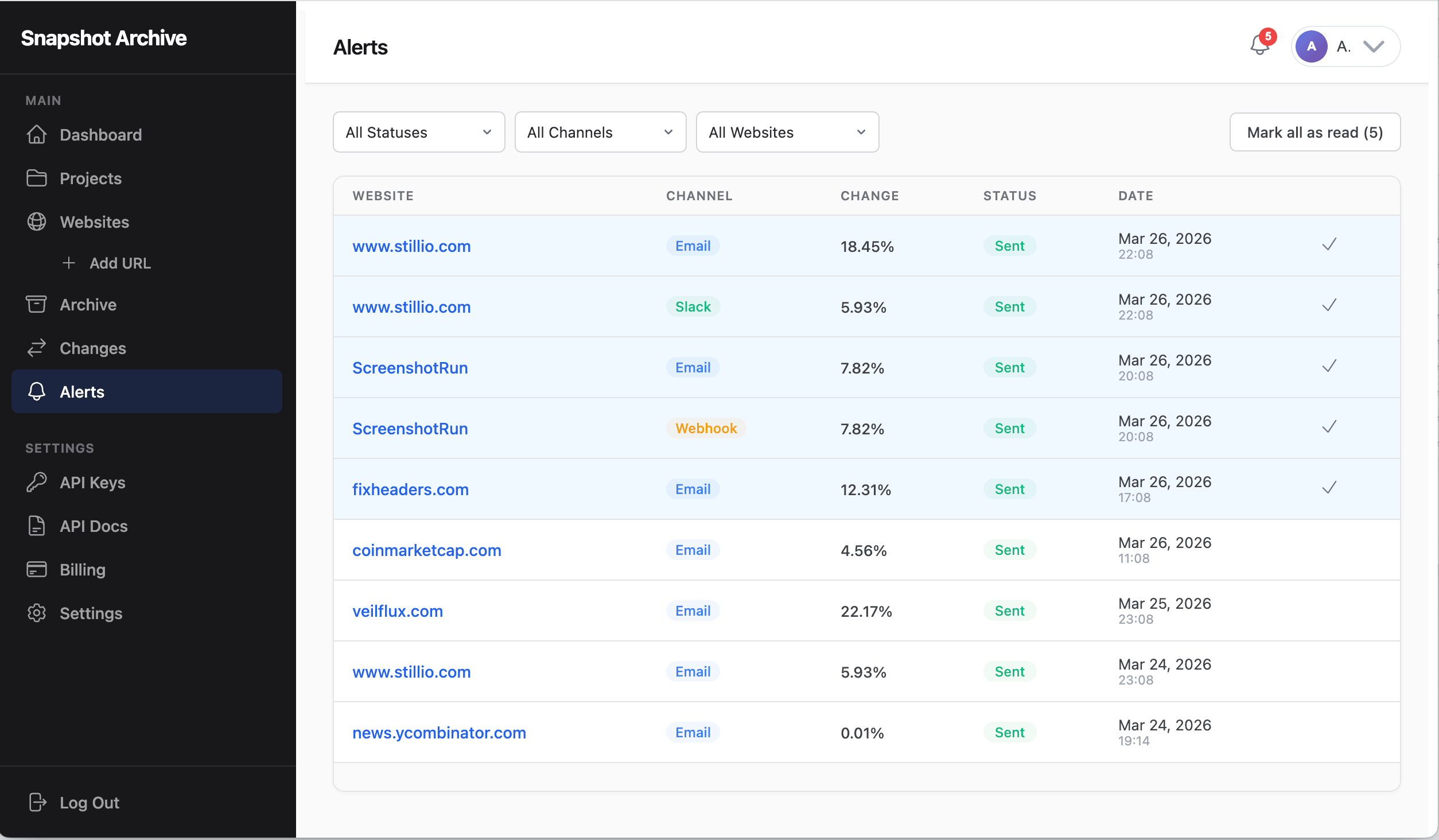
Instant notifications your way
The moment a change crosses your threshold, an alert fires. Choose email, Slack, or webhook — or all three. Alerts include a diff summary and a direct link.
- Email, Slack & webhook support
- Configurable change threshold
- Diff preview in the notification
PDF & HTML archive
Save full PDF documents and HTML source alongside screenshots for a complete web page archive. Download any version at any time.
- PDF export with full page render
- HTML source saved per capture
- Bulk download & API access
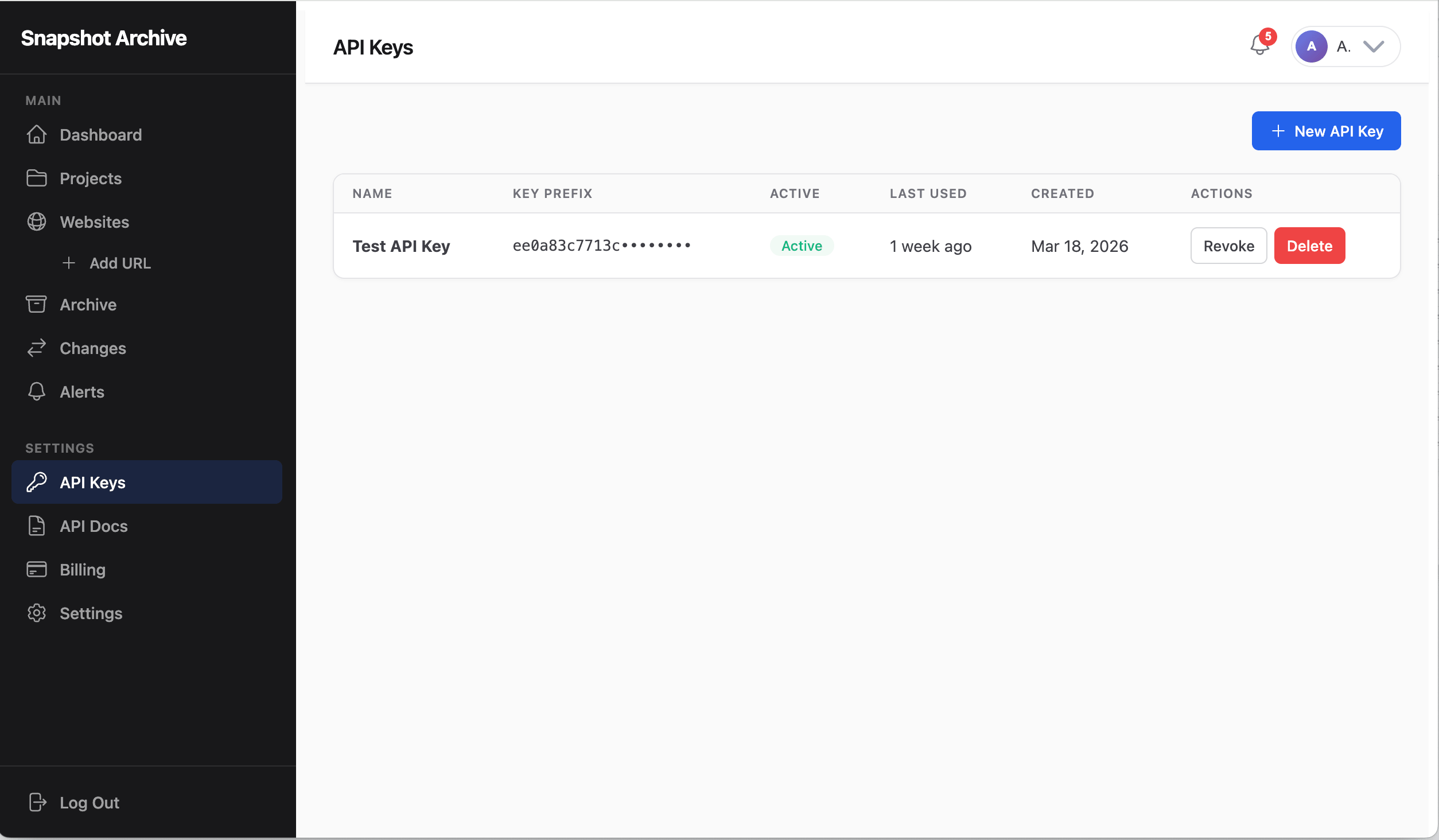
REST API for automation
Integrate screenshot archiving into your workflows. Trigger captures, fetch archives, and manage monitors programmatically.
- Full CRUD API
- Webhook callbacks
- CI/CD pipeline integration
From URL to archive in three steps
Set it up once, let it run forever.
Add a URL
Enter any website address and configure capture settings — viewport size, frequency, and what to capture.
We capture automatically
Our system takes screenshots, saves PDFs, and extracts metadata on your exact schedule — no manual work needed.
Browse your archive
View, compare, and download your screenshots anytime. Visual diff highlights exactly what changed between captures.
Built for anyone who needs to archive the web
From solo researchers to enterprise compliance teams — one tool, every workflow.
SEO & Marketing
Archive competitor landing pages, track pricing changes over time, and build a visual history of their messaging and design updates.
Legal & Compliance
Maintain timestamped evidence of how a webpage appeared at a specific moment — invaluable for disputes and compliance audits.
Developers & QA
Capture staging environments after every deploy, archive visual state over time, and use the REST API to integrate screenshots into your CI/CD pipeline.
Agencies
Archive client websites automatically, demonstrate value with documented visual history, and provide timestamped proof of every page state.
Simple, transparent pricing
Start free, scale as you grow. No hidden fees.
Free
Try automated website screenshots. Perfect for getting started.
- 3 Websites
- Daily captures
- 30-day archive
- Visual change detection
- Viewport screenshots
- Email notifications
- Custom delay
Starter
Reliable automated screenshots with 180-day archive history.
- 20 Websites
- Daily captures
- 180-day archive
- Visual change detection
- Full page screenshots
- PDF & HTML capture
- Email + Slack + Discord + Telegram alerts
- Screenshot sharing links
- 3 Projects
- 50 Websites
- Every 6 hours
- 365-day archive (1 year)
- Visual change detection
- Full page + PDF + HTML
- Email + Webhook + Slack + Discord + Telegram
- REST API access
- 2 API keys
- Screenshot sharing links
- 10 Projects
- Custom headers & HTTP auth
- Element hiding & click actions
- Wait for selector
- 100 Websites
- Every 3 hours
- 2-year archive
- Visual change detection
- Full page + PDF + HTML
- Email + Webhook + Slack + Discord + Telegram
- REST API access
- 3 API keys
- Screenshot sharing links
- 25 Projects
- Custom headers & HTTP auth
- Element hiding & click actions
- Wait for selector
Business
Maximum archive retention with enterprise-grade features.
- 200 Websites
- Every hour
- 3-year archive
- Visual change detection
- Full page + PDF + HTML
- Email + Webhook + Slack + Discord + Telegram
- REST API access
- 5 API keys
- Screenshot sharing links
- Unlimited Projects
- Custom headers & HTTP auth
- Element hiding & click actions
- Wait for selector
- Console error tracking
- Priority support
From the blog
Tips, guides, and updates about website archiving and visual change detection.
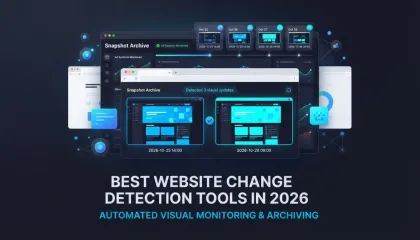
Best Website Change Detection Tools in 2026
Visual diff, text monitoring, open-source, budget options — an honest comparison of 8 website change detection tools and which one fits your workflow.
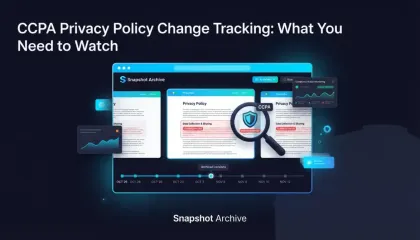
CCPA Privacy Policy Change Tracking: What You Need to Watch
CCPA requires your privacy policy to stay current — and your vendors' too. Here's how to catch silent changes before regulators do.
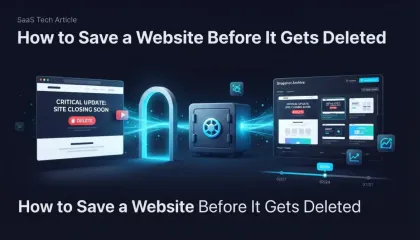
How to Save a Website Before It Gets Deleted
Free tools to save a website before it disappears — Wayback Machine, SingleFile, wget, and how to set up automated screenshots so the next shutdown doesn't catch you off guard.

Ad Landing Page Screenshots for FTC Compliance
The FTC investigates ad claims retroactively. By the time they look, your landing page has changed. Automated screenshots with timestamps create a record of what you published and when.

Start archiving websites today
Monitor changes, capture screenshots automatically, and never miss an update. Free plan includes 3 websites with daily captures.
No credit card required · Setup in under a minute
Frequently Asked Questions
Depending on your plan, capture frequency ranges from every 5 minutes (Business) to daily (Free). You can set a different frequency for each website independently.
Each capture includes a viewport screenshot, a full-page screenshot, a PDF document, the HTML source, page metadata (title, description), HTTP status, response time, and page weight — depending on your settings.
We compare each new screenshot against the previous one pixel by pixel. If the percentage of changed pixels exceeds your configured threshold, an alert is triggered via email, Slack, or webhook. You can also view a visual diff overlay in the dashboard.
Yes. The REST API lets you add websites, trigger captures on demand, retrieve archived screenshots and diffs, and download files programmatically. API access is available on paid plans. View API docs.
Yes — the Free plan gives you 2 websites with daily captures and a 7-day archive. No credit card required. Upgrade anytime for more websites, faster captures, and longer retention.
All screenshots and data are stored securely in encrypted cloud storage. Your captures are private and accessible only through your authenticated account or API keys. We never share your data with third parties.