Create monitor
Create a monitor
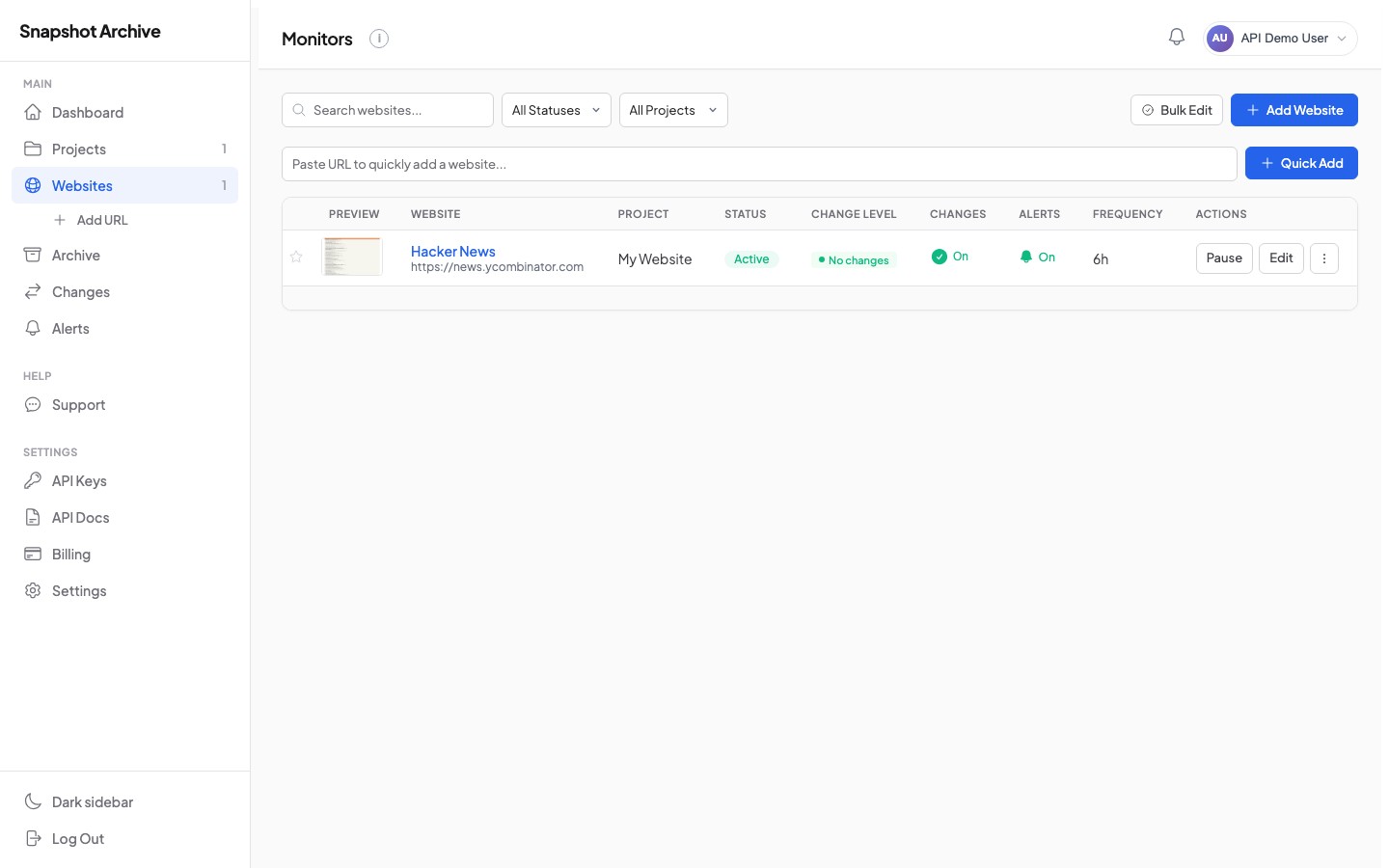
Creates a new monitor that will capture screenshots of the given URL on a recurring schedule. The minimum required fields are url, frequency_minutes, device_type, viewport_width, and viewport_height. Everything else is optional and lets you fine-tune the capture behavior.
The API validates the frequency against your plan — for example, Starter plans can capture at most once per day (1440 minutes), while Business plans allow hourly captures (60 minutes). If you request a frequency your plan doesn't support, you'll receive a frequency_not_allowed error.
POST
/v1/monitorsRequest body
| Field | Type | Required | Description |
|---|---|---|---|
url | string | Yes | URL to monitor (max 2048 chars, must be a valid URL) |
name | string | No | Display name (max 255 chars) |
project_id | integer | No | Assign to a project |
frequency_minutes | integer | Yes | Capture interval in minutes (min 60, depends on plan) |
device_type | string | Yes | desktop or mobile |
viewport_width | integer | Yes | Viewport width in pixels (320–3840) |
viewport_height | integer | Yes | Viewport height in pixels (480–2160) |
full_page | boolean | No | Capture full scrollable page (default: false) |
delay_seconds | integer | No | Wait before capture, 0–30 seconds |
wait_for_selector | string | No | CSS selector to wait for before capturing |
hide_selectors | array | No | CSS selectors to hide (max 20 items) |
click_selector | string | No | CSS selector to click before capturing |
clip_selector | string | No | CSS selector to clip screenshot to |
disable_animations | boolean | No | Disable CSS animations and transitions |
http_auth_user | string | No | HTTP Basic auth username |
http_auth_password | string | No | HTTP Basic auth password |
custom_headers | array | No | Custom HTTP headers (max 20), each with name and value |
cookies | array | No | Cookies to set (max 20), each with name, value, domain |
diff_enabled | boolean | No | Enable visual change detection |
diff_threshold_percent | number | No | Change threshold to trigger alerts (0–100) |
watermark_enabled | boolean | No | Add timestamp watermark to screenshots |
alert_enabled | boolean | No | Enable change alerts |
alert_email | string | No | Email for change notifications |
alert_webhook_url | string | No | Webhook URL for change notifications |
alert_slack_webhook_url | string | No | Slack incoming webhook URL |
alert_discord_webhook_url | string | No | Discord webhook URL |
bash
curl -X POST https://api.snapshotarchive.com/v1/monitors \
  -H "Authorization: Bearer YOUR_API_KEY" \
  -H "Content-Type: application/json" \
  -H "Accept: application/json" \
  -d '{
    "url": "https://example.com",
    "name": "Example Homepage",
    "project_id": 1,
    "frequency_minutes": 360,
    "device_type": "desktop",
    "viewport_width": 1920,
    "viewport_height": 1080,
    "full_page": true,
    "hide_selectors": [".cookie-banner", "#popup"],
    "diff_threshold_percent": 5,
    "alert_enabled": true,
    "alert_email": "[email protected]"
  }'
$response = Http::withToken('YOUR_API_KEY')
->post('https://api.snapshotarchive.com/v1/monitors', [
'url' => 'https://example.com',
'name' => 'Example Homepage',
'project_id' => 1,
'frequency_minutes' => 360,
'device_type' => 'desktop',
'viewport_width' => 1920,
'viewport_height' => 1080,
'full_page' => true,
'hide_selectors' => ['.cookie-banner', '#popup'],
'diff_threshold_percent' => 5,
'alert_enabled' => true,
'alert_email' => '[email protected]',
]);
$monitor = $response->json('data');resp = requests.post(f'{BASE}/monitors', headers=headers, json={
'url': 'https://example.com',
'name': 'Example Homepage',
'project_id': 1,
'frequency_minutes': 360,
'device_type': 'desktop',
'viewport_width': 1920,
'viewport_height': 1080,
'full_page': True,
'hide_selectors': ['.cookie-banner', '#popup'],
'diff_threshold_percent': 5,
'alert_enabled': True,
'alert_email': '[email protected]',
})
monitor = resp.json()['data']const { data: monitor } = await fetch(`${BASE}/monitors`, {
method: 'POST', headers,
body: JSON.stringify({
url: 'https://example.com', name: 'Example Homepage',
project_id: 1, frequency_minutes: 360, device_type: 'desktop',
viewport_width: 1920, viewport_height: 1080, full_page: true,
hide_selectors: ['.cookie-banner', '#popup'],
diff_threshold_percent: 5, alert_enabled: true,
alert_email: '[email protected]',
}),
}).then(r => r.json());uri = URI("#{BASE}/monitors")
req = Net::HTTP::Post.new(uri, headers)
req.body = { url: 'https://example.com', name: 'Example Homepage',
project_id: 1, frequency_minutes: 360, device_type: 'desktop',
viewport_width: 1920, viewport_height: 1080, full_page: true,
hide_selectors: ['.cookie-banner', '#popup'],
diff_threshold_percent: 5, alert_enabled: true,
alert_email: '[email protected]' }.to_json
resp = Net::HTTP.start(uri.hostname, uri.port, use_ssl: true) { |h| h.request(req) }
monitor = JSON.parse(resp.body)['data']payload := map[string]interface{}{
"url": "https://example.com", "name": "Example Homepage",
"project_id": 1, "frequency_minutes": 360, "device_type": "desktop",
"viewport_width": 1920, "viewport_height": 1080, "full_page": true,
"hide_selectors": []string{".cookie-banner", "#popup"},
"diff_threshold_percent": 5, "alert_enabled": true,
"alert_email": "[email protected]",
}
body, _ := json.Marshal(payload)
req, _ := http.NewRequest("POST", BASE+"/monitors", bytes.NewReader(body))
req.Header.Set("Authorization", "Bearer "+apiKey)
req.Header.Set("Content-Type", "application/json")
resp, _ := http.DefaultClient.Do(req)