
 Vitalii Holben
Introducing Snapshot Archive — Automated Website Screenshots with Visual Change Detection
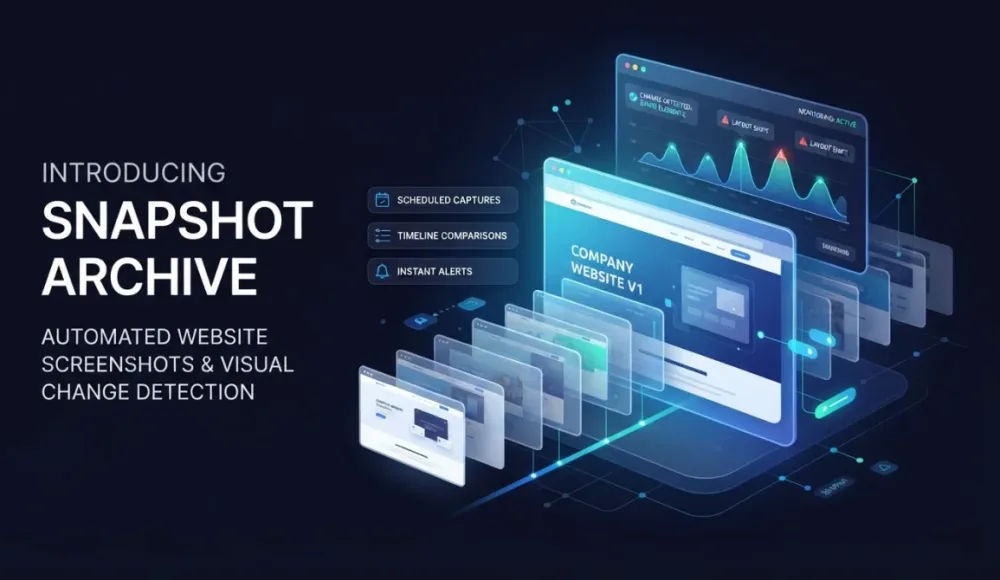
Welcome to the site. Today we want to introduce our service for monitoring changes on websites. You probably know that SEO specialists and others often need to track what's happening on competitor websites, what changed and when. On top of that, you need to keep an eye on project availability and catch errors early. Doing all of this manually is hard, especially when you're managing a lot of client websites. That's exactly why services like ours exist. to automate the routine.
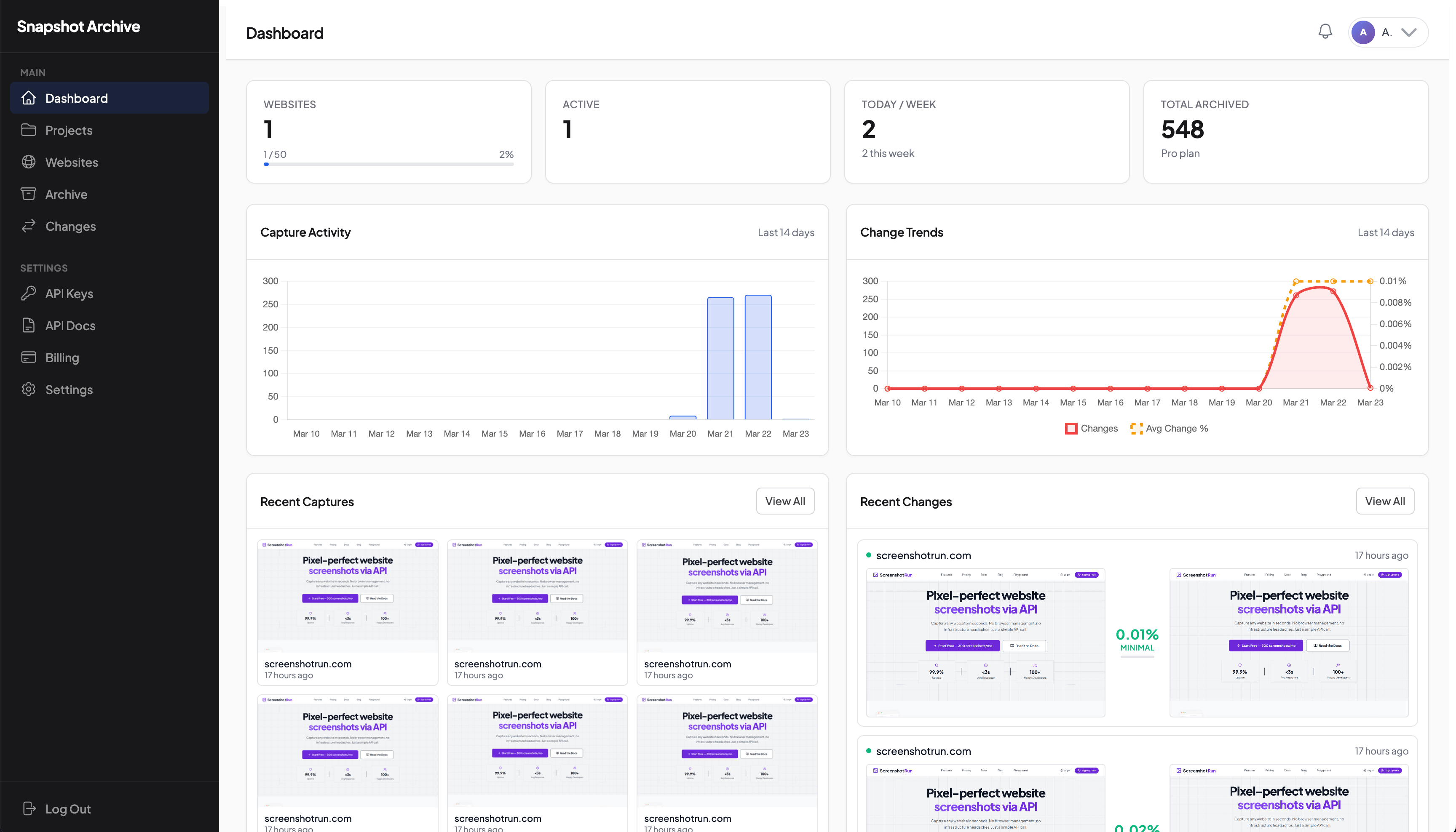
So what is this for in practice? Websites update constantly. Competitors change their prices, clients break their pages after publishing, lawyers need proof of what a page looked like at a specific moment, all of this is information that sometimes needs to be tracked and stored.
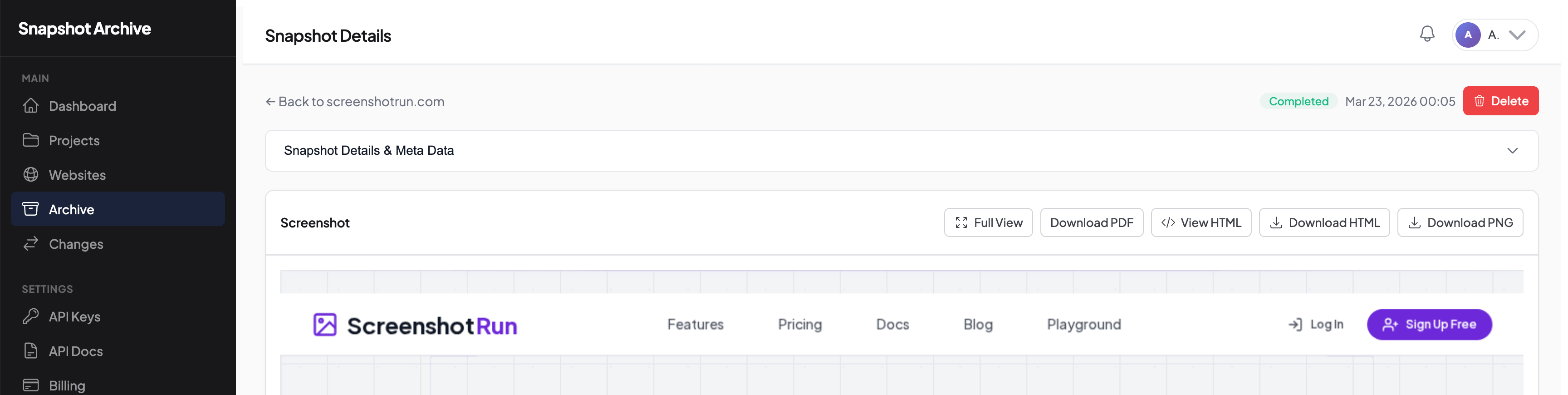
We built Snapshot Archive to automate this routine process. It works as simply as possible (you add a URL, choose how often you want to track it: every 5 minutes, every hour, once a day) and the service takes screenshots of your page on schedule. You get flexible settings, full page view, PDF format, or HTML source if you need it. Everything is saved in an archive with date search, convenient sorting, and the ability to go back to any screenshot at any time to view or download it.
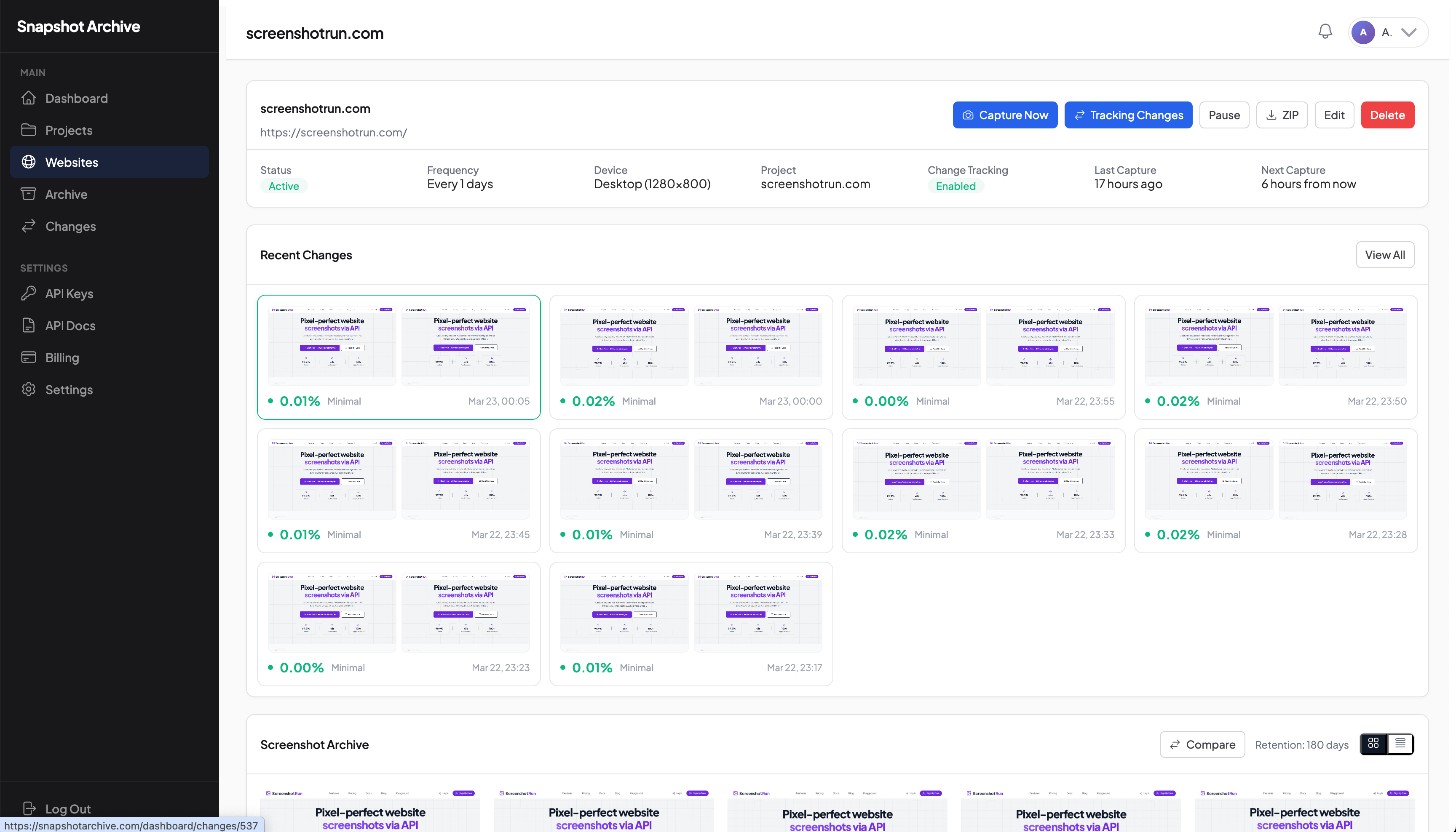
 You might say, this already exists out there. Our answer is simple: most screenshot services just save images. We do that too, but that's not all. Snapshot Archive compares every new screenshot with the previous one pixel by pixel. If the changes exceed your threshold, you get a notification with an overlay image. And regardless of your plan, the feature set will keep growing.
This is useful in several specific cases. SEO specialists track changes on competitor landing pages. QA engineers check staging after every deploy. Lawyers capture page states as evidence for disputes, and agencies document project availability.
What exactly do you get?
Here's what you get: scheduled screenshots from every 5 minutes to once a week. The ability to compare screenshots with an adjustable sensitivity threshold. Fast notifications about page changes through email, Slack, and webhooks. We also built a REST API for CI/CD pipeline integration right from the start. Desktop and mobile viewport capture with custom dimensions, plus PDF and HTML capture alongside every screenshot.
Pricing
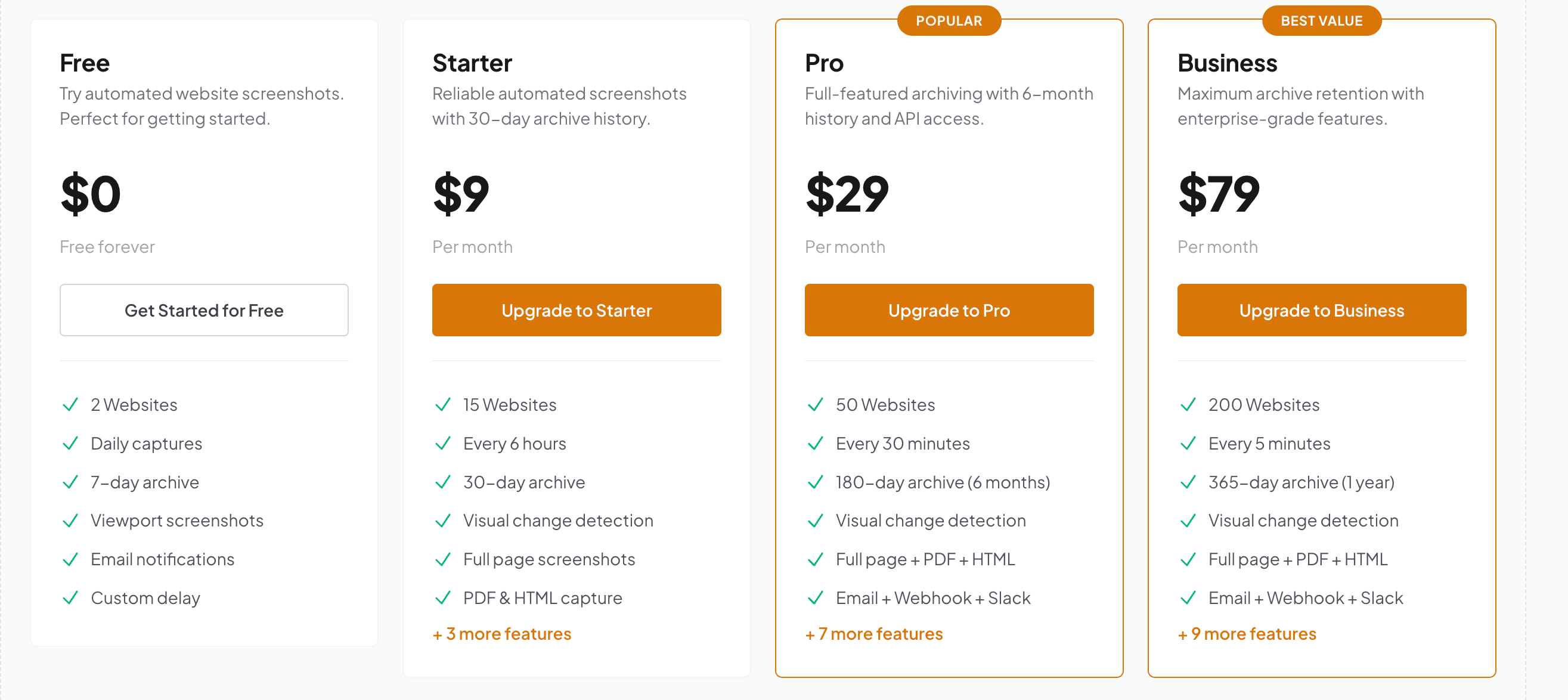
There's a fairly generous free plan : 3 websites, daily snapshots, 7 days of storage. Enough to try it out and decide if it's for you. Starter at $14/month gives you 20 websites and 90 days of archive. that's already enough for proper competitor tracking and long-term storage. Pro at $39 : 50 websites, 1 year of history, API access, an advanced tier for fully integrating data into your systems and storing screenshots long-term. Business at $129. 200 websites and three years of storage. We guarantee screenshot retention for up to a year, so you don't have to worry about where to put large data archives. We store everything on our infrastructure.
What's next
We're planning more integrations, better archive filters, and detailed API documentation. New features will be added to all plans, not just the expensive ones. Try it free at snapshotarchive.com. Takes about a minute to set up, no credit card needed.
Start archiving websites today
Free plan includes 3 websites with daily captures. No credit card required.
Create free account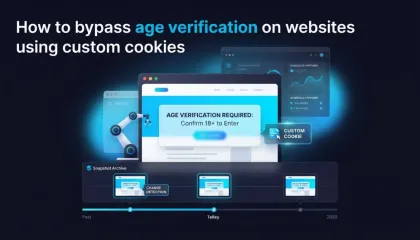
How to bypass age verification on websites using custom cookies
Some websites block content behind an age verification form — three input fields for date of birth, no simple button to click. Click selector can't help here. We show how to bypass these gates using custom cookies, with jackdaniels.com as a real example.
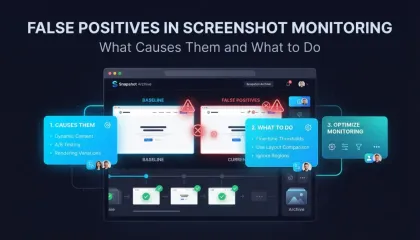
False Positives in Screenshot Monitoring: What Causes Them and What to Do
We got 14 alerts in one day from a single website. The problem was a live counter and a logo carousel triggering visual diff on every capture. Here is how we fixed it with threshold tuning and hide selectors.
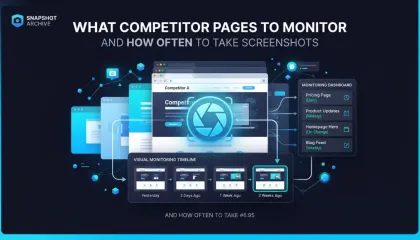
What Competitor Pages to Monitor and How Often to Take Screenshots
Most companies know they should monitor competitors, but few do it consistently. This guide covers the exact pages worth tracking — from pricing and homepage to careers and changelogs — with recommended screenshot frequencies for each, and how to turn 150+ monthly snapshots into actionable competitive intelligence.